Time Clocks for Business: Comparing Mobile Apps, NFC, and Physical Clocks
Compare mobile app, NFC, physical, and biometric time clocks. Learn which fits your workforce, what it really costs, and what to test before you buy.

Stop guessing and start knowing. Automate attendance with a GPS-backed time clock that eliminates manual errors and generates payroll-ready data from any device, synced to the cloud in real time.
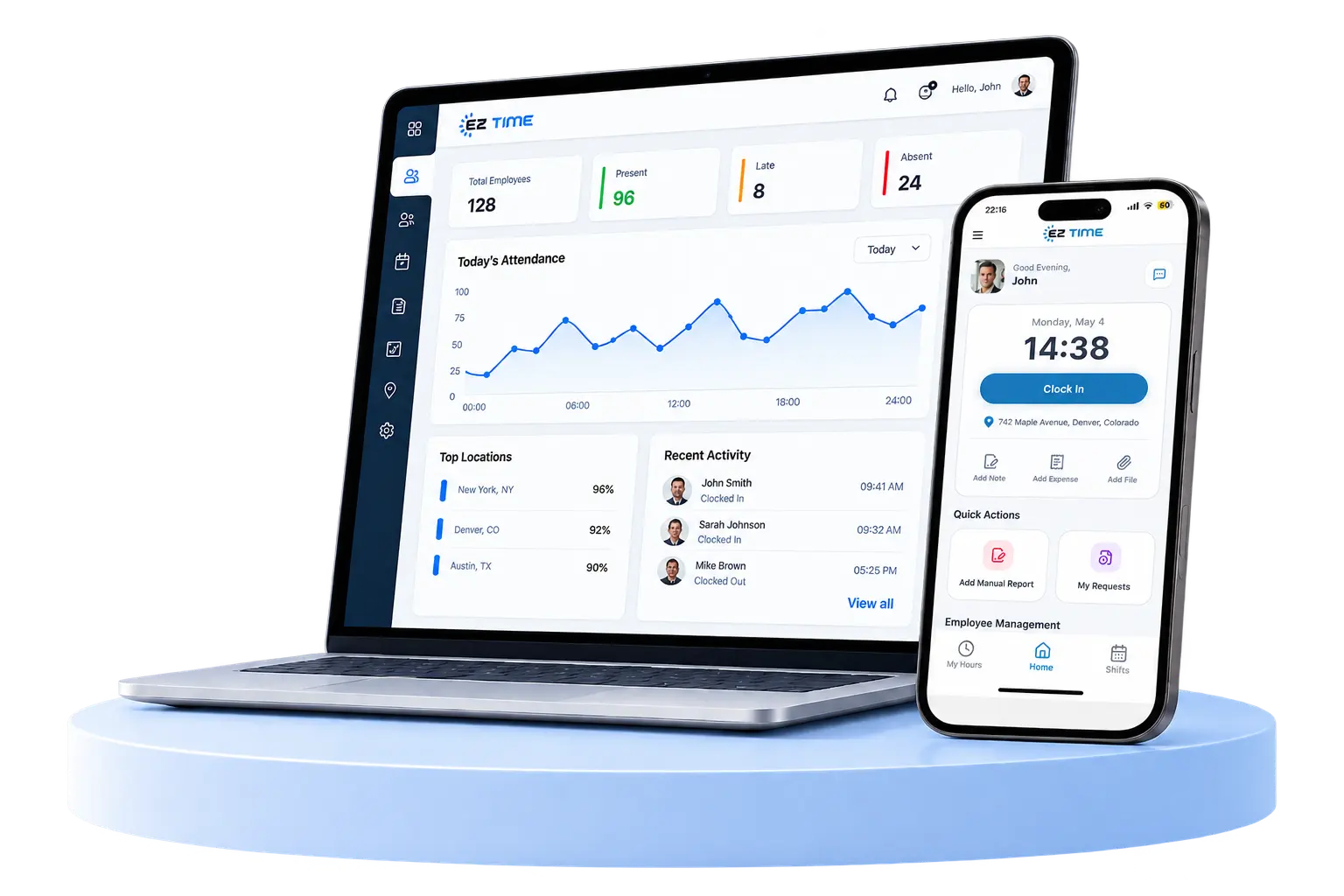





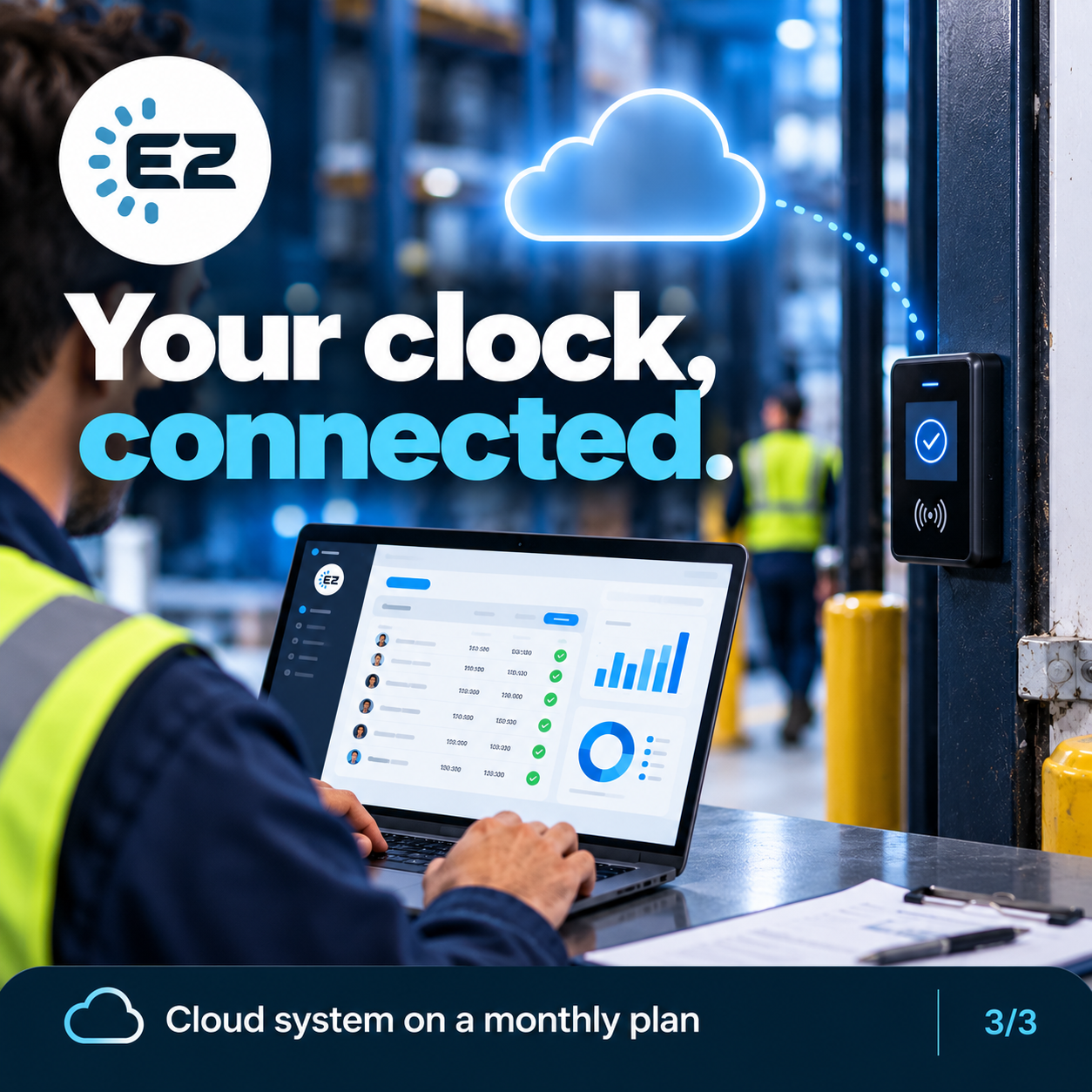
Empower your workforce with a personal command center. Beyond simple clock-ins, our app creates a seamless bridge between employees and management anytime.
Turn any computer or tablet into a professional reporting station. Perfect for office environments or shared workspaces where speed and personal accountability are key.
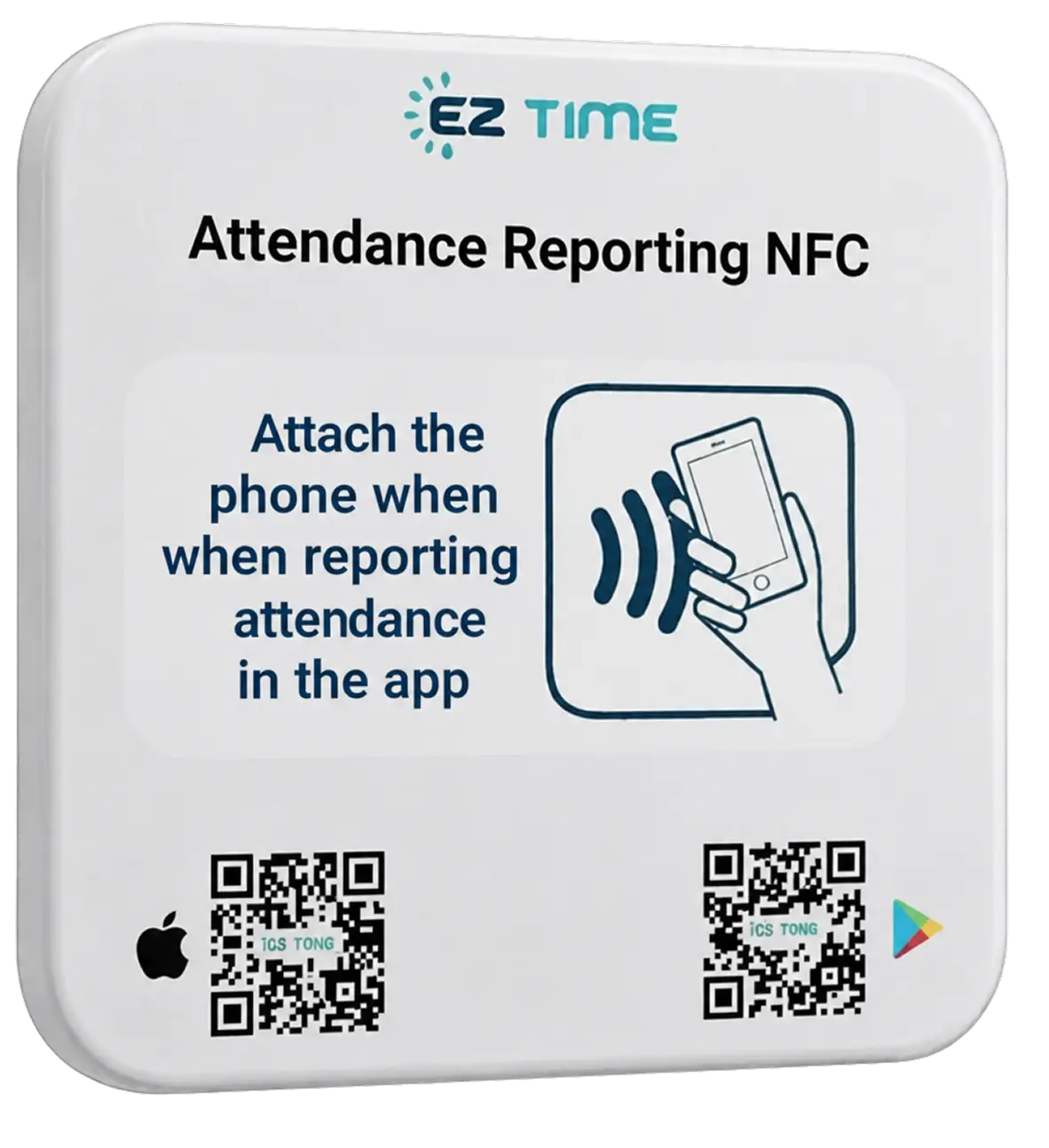
Turn any physical location into a high-speed reporting zone. A simple, hardware-free solution for field sites, remote branches, or warehouses.
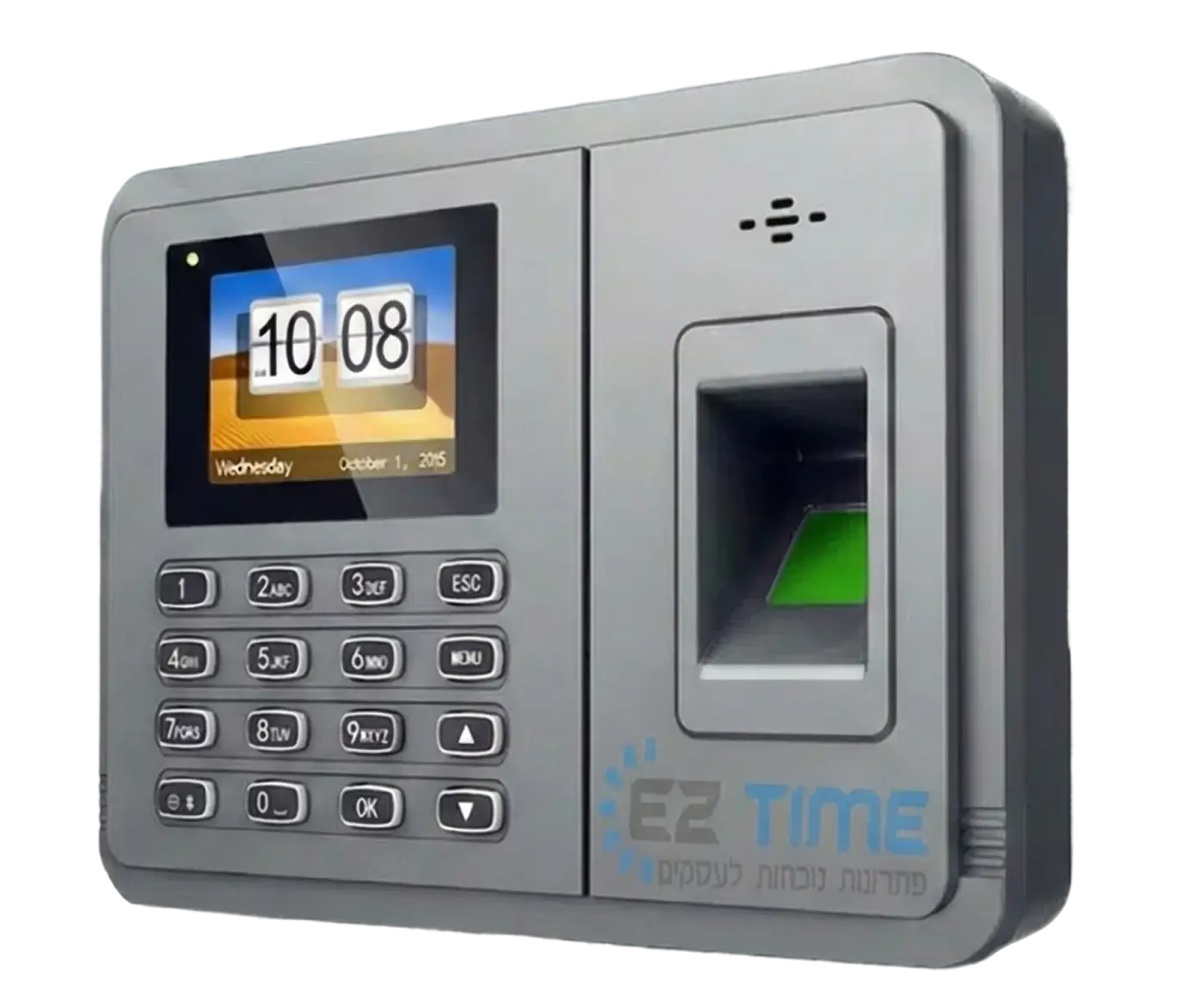
The ultimate in security and reliability. Our high-end hardware is designed for high-traffic environments that demand maximum accuracy and physical presence.
From setup to payroll in three steps.
Add your branches and job sites, choose how each team clocks in (mobile app with GPS, web or tablet kiosk, or NFC tags) and set your overtime and break rules.
Employees punch in from the EZTime app, at a shared kiosk, or by tapping their phone on an NFC tag at the site. The same app shows their schedule, shift swaps and time-off requests.
Managers review timesheets, resolve missed punches, get overtime and break alerts, and export payroll-ready reports instead of retyping timecards.
Pick the method that fits each team, or combine them.
| Clock-in method | Best for | How it works | Good to know |
|---|---|---|---|
| Mobile app (GPS) | Field teams, multi-site crews, home health, construction and service technicians | Employees clock in from their own iPhone or Android phone; the location is recorded at clock-in | Use approved clock-in locations (geofences) to confirm employees are on site |
| Web & tablet kiosk | Stores, restaurants, warehouses and offices with a shared entrance | A shared tablet or computer at the location acts as the time clock | Works for employees who don't have or don't want to use a smartphone |
| NFC tag | Cleaning, security, facilities and sites where indoor GPS is unreliable | Employees tap their phone on an NFC tag placed at the work location | No wall-mounted clock to install; add a tag for each site or post. Learn about the NFC time clock |
| Biometric terminal (coming soon) | High-traffic sites that need identity verification at the door | A dedicated terminal verifies the employee at clock-in | Some states, such as Illinois, regulate biometric data, so review the rules before you deploy |
Most businesses combine methods, for example a kiosk at the main location and the mobile app for field staff. Compare options in our guide to employee clock-in methods.
Set it once and forget it. Our engine automatically calculates overtime, night shifts, holidays, and breaks based on your pay rules and federal and state labor laws. No more manual calculations, just pure precision.
Fix errors before they cost you. Spot missed punches, late arrivals, or unauthorized overtime as they happen. Real-time alerts let you resolve issues instantly, rather than chasing employees at the end of the month.
No more manual data entry. Generate 100% accurate, audit-ready reports and export them directly to your payroll provider or ERP. With our advanced API, your data flows seamlessly from the clock to the bank.
Manage multiple sites and terminals from a single dashboard. Employees can clock in at any location with instant, unified data sync
Go beyond attendance. Track hours against specific projects, clients, or tasks to see exactly where your labor budget is spent
Prevent unauthorized overtime. Set geofencing or time-based blocks so employees can only clock in when and where they’re supposed to
Track meal and rest breaks right from the time clock or app, with alerts when a required break is missed
Keep everyone in the loop. Use the built-in team chat and broadcast SMS alerts to send instant updates to your entire workforce
Ditch the filing cabinets. Store contracts, IDs, and personal records in a secure, cloud-based digital vault
Stay legally protected. Receive real-time notifications if an employee exceeds legal work hours or violates labor law configurations
Simplify new hires. Send a digital link for employees to complete their profile and upload documents before their first day
Finalize payroll with a click. Send monthly attendance reports via SMS or Email for legal digital signatures - no paper required
Never miss an expiry date. Get automated alerts for expiring licenses, visas, or certifications before they become a liability
Centralize every request. Manage PTO, sick leave and jury duty with full documentation and automated balance tracking
Turn data into decisions. Generate over 15 types of reports and use our BI interface to analyze performance and ROI
One-click integration. Seamlessly export data to all major payroll and ERP systems, eliminating manual entry and human error
See the future. Use our advanced simulator to calculate projected monthly costs, including bonuses, loans, and advanced payments
Fix errors as they happen. The system automatically flags forgotten clock-outs, allowing you to resolve issues instantly
Total transparency. View a complete history of every edit and action taken in the system, knowing exactly who changed what and when
Built for connectivity. Use our robust API to bridge EZTime with your existing tech stack for a truly unified ecosystem
Tools that help you track hours accurately and stay on top of federal, state and local requirements.
See who is approaching 40 hours in the workweek, or a state daily limit, before it turns into unplanned overtime. Read our guide to FLSA overtime rules.
Record actual meal-out and meal-in punches and get break alerts, which matters in states like California. See California meal and rest break rules.
Keep the original punch time alongside every approved correction, so you can pay from exact time. Learn about time clock rounding rules.
Publish schedules early, document shift changes and track time-off requests. See predictive scheduling laws and PTO accrual.
EZTime helps you follow your policies and keep accurate records. It does not replace legal advice; confirm the rules that apply in your state and city.
Time tracking that fits the way hourly teams actually work.
Shift reporting across receiving, picking and shipping. Warehouse time tracking guide
Multi-site crews clocking in at customer locations. Cleaning company time tracking
Hourly teams, split shifts and last-minute swaps. Restaurant scheduling
Technician attendance and job time in one place. Auto repair shop time tracking
A consistent clock-in process across every store. Grocery store time tracking
Technicians who start the day at a job site, not an office. Field employee time tracking
See all industries we serve.
Stay protected against claims and audits.
EZTime keeps a full, encrypted history of all actions and edits for 7 years.
Your data is hosted on Tier-4 secure servers, ensuring maximum uptime and reliability.

10,000+ installs
iPhone & iPad app
"Before EZTime, processing payroll for 300+ employees was a manual nightmare prone to errors. Now, with automated overtime rules and digital timesheet signatures, our entire reporting process is audit-ready in minutes. It’s the highest ROI we’ve seen from any HR tool."

CTO with 50+ Employees
"Before EZTime, processing payroll for 300+ employees was a manual nightmare prone to errors. Now, with automated overtime rules and digital timesheet signatures, our entire reporting process is audit-ready in minutes. It’s the highest ROI we’ve seen from any HR tool."
CTO with 50+ Employees
"Before EZTime, processing payroll for 300+ employees was a manual nightmare prone to errors. Now, with automated overtime rules and digital timesheet signatures, our entire reporting process is audit-ready in minutes. It’s the highest ROI we’ve seen from any HR tool."
CTO with 50+ Employees
"Before EZTime, processing payroll for 300+ employees was a manual nightmare prone to errors. Now, with automated overtime rules and digital timesheet signatures, our entire reporting process is audit-ready in minutes. It’s the highest ROI we’ve seen from any HR tool."
CTO with 50+ Employees
Join 10,000+ businesses that trust EZTime for their daily operations.
Expert tips, industry trends, and practical guides to mastering workforce management.
Compare mobile app, NFC, physical, and biometric time clocks. Learn which fits your workforce, what it really costs, and what to test before you buy.

A step-by-step plan for rolling out a time clock: communicate, train, enforce, run a pilot, and five proven tips for building the clock-in habit.

Why a time clock pays off: accurate records, a simple savings formula, what a modern attendance system includes, and how to choose the right clock for your team.
Employee time clock software is a cloud-based system that records when employees start and stop work, whether they clock in from a mobile app, a shared kiosk or an NFC tag. It calculates hours, flags exceptions such as missed punches or overtime, and produces payroll-ready timesheets, replacing paper timecards and punch clocks.
Yes. Employees can clock in at a shared web or tablet kiosk at your location, and attendance reporting by SMS is also available. Many businesses use a kiosk at the main site and the mobile app for field staff.
Yes. Each employee clocks in with their own account, the location is recorded at clock-in, and NFC clock-ins require the employee's phone to be at the tag. Managers also see exceptions and corrections in one place, which makes buddy punching much harder to hide.
Plans start at $2 per employee per month, or $1.60 when billed yearly, with a $20 monthly minimum. Every plan starts with a 14-day free trial. See the pricing page for plan details.
Absolutely. We use enterprise-grade encryption and secure cloud servers to ensure your data is protected 24/7. We also store your history for up to 7 years to keep you compliant.
Not at all. EZTime is a flexible, cloud-based solution. You can start with our mobile app or web interface immediately. If you need physical clocks or access control, we offer seamless hardware integrations too.
Yes. EZTime is built for connectivity. We integrate with leading payroll and ERP systems to ensure your data flows smoothly and without manual errors.
Yes, and there’s no catch. You get full access to the platform for 14 days, no credit card required. If you don't love it, you don't pay.
With our "White-Glove" onboarding, you can be up and running in a matter of days. Our experts will help you configure everything to match your exact business needs.