Track crew hours and labor cost on every job.
Your crew clocks in on site with GPS or a tap on an NFC tag. Overtime is calculated automatically, and approved hours are ready to export to payroll.
- Clock-ins only from the job site
- Labor cost by job, in real time
- Payroll-ready timesheets
Get your price and a 15-minute demo
Tell us about your crew. We'll send your pricing and show you EZTime set up for your jobs.
No credit card · Cancel anytime · or start a 14-day trial
Used at locations of these brands and by 10,000+ businesses








Up and running in three steps
No hardware to install. Draw zones on a map, your crew uses the app, and you get the reports.
Set up your jobs
Add your projects, draw a geofence around each job site, and set your pay and overtime rules. We’ll help you get set up.
Your crew clocks in on site
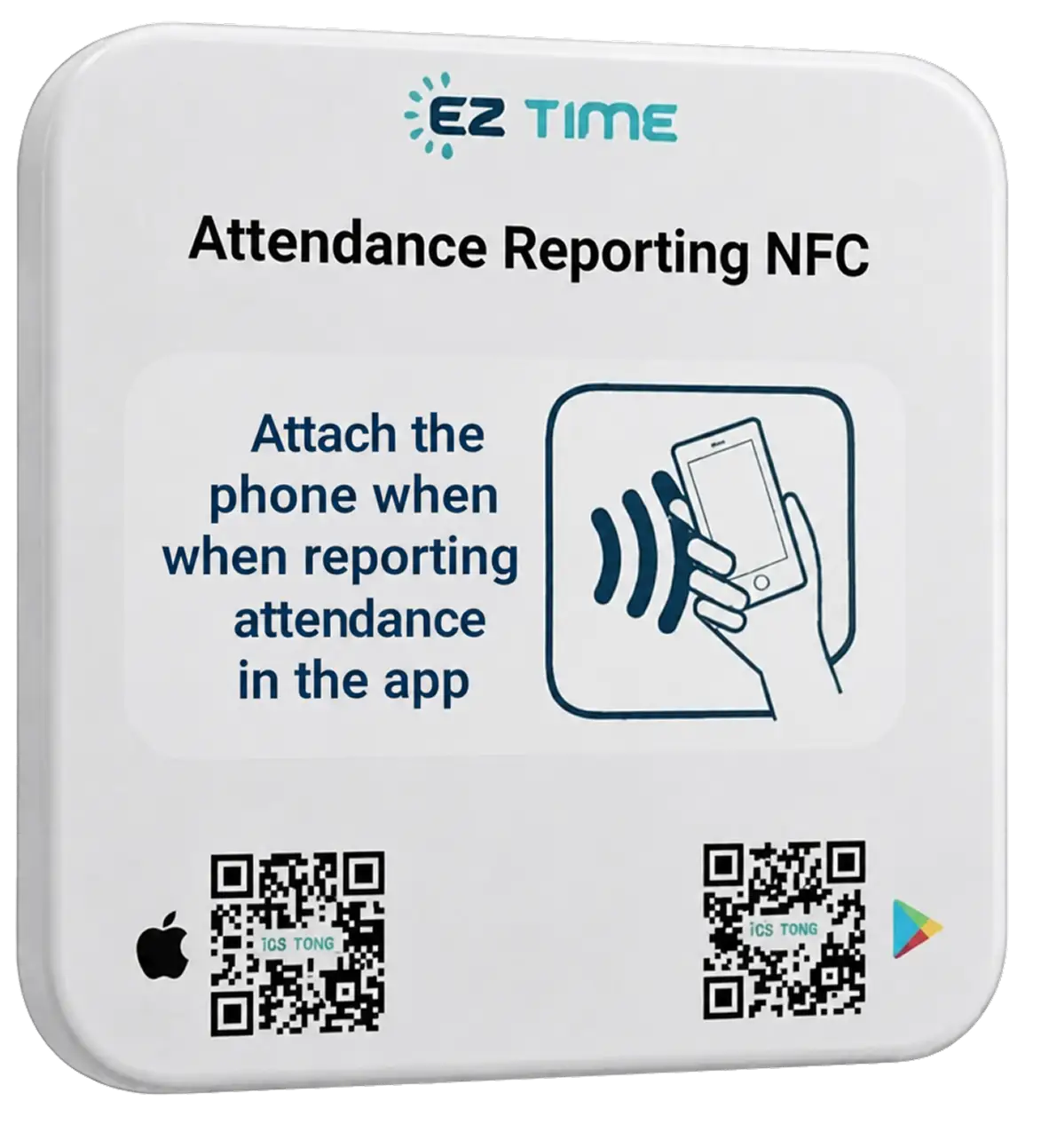
One tap in the app inside the zone, a tap on the NFC tag at the trailer, or the foreman clocks in the whole crew at once.
Approve and export
Fix missed punches, approve the week, and export hours and labor cost by job for payroll.
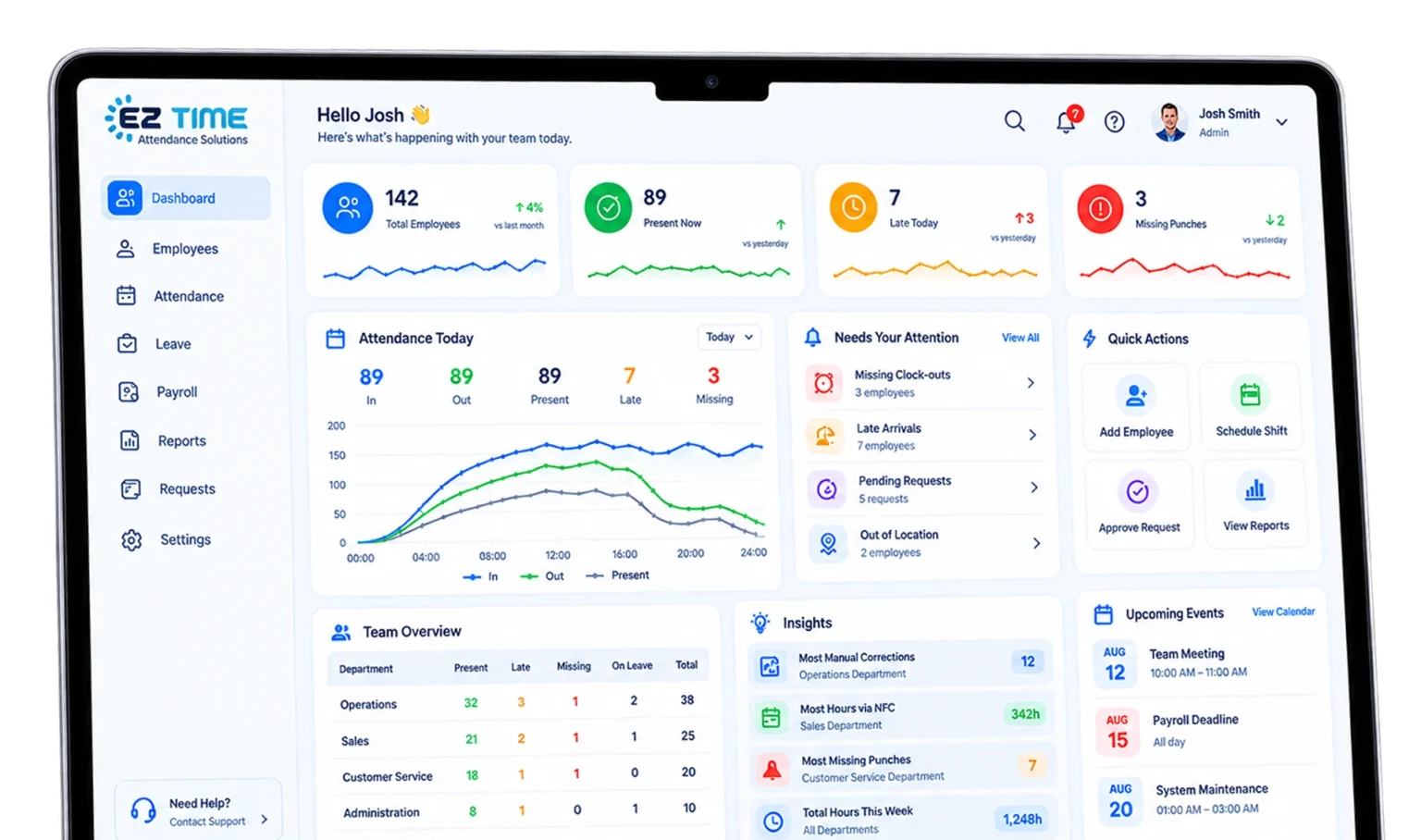
Stop chasing timesheets
If any of this sounds familiar, EZTime was built for you.
Sound familiar?
- Sunday nights spent retyping paper timecards into payroll
- “I was there at 7,” and no way to check
- Hours land on the wrong job, so your bids are guesswork
- You find the overtime after payroll has already run
With EZTime
- Approved hours export in one click
- Clock-ins only from inside the job-site zone
- Every hour tagged to a job, with its labor cost
- Overtime alerts the same day
What a 20-person crew pays per month
Same core features: GPS clock-in, hours by job, overtime, and payroll export.
EZTime Premium
20 employees × $6 · Month-to-month
- No base fee
- Month-to-month, cancel anytime
- Unlimited jobs and job-site zones
- GPS, NFC tags, and time clocks in one system
ClockShark Standard
$42 base fee + 20 × $9.50
- $42/month base fee
- 3-year term listed on its pricing page
- GPS and job tracking
- Payroll integrations
Based on public list prices with monthly billing, checked November 2, 2026. Plans and features vary, so compare before you switch.
What do “just 10 more minutes” a day cost you?
Rounded-up start times and early departures logged as full shifts add up fast. Drag the sliders.
Built for crews that move between sites
From 5 to 200 field employees, whether you run one job or twenty.
What our customers say
More than 10,000 businesses have used EZTime.
“After years on a punch clock, I switched to a cloud system. It’s convenient, efficient, and easy for both employees and managers. The interface is simple, the reports are detailed, and the support team is fast and professional.”
“Before EZTime, we used a system that wasn’t in the cloud. Switching was one of the best decisions we’ve made as a company. Zero glitches.”
“The sales and support teams are professional and honest, and they always respond right away. It’s easy for my employees and for me. One of the best decisions I’ve made for the business.”
Reviews from EZTime customers in Israel, translated from Hebrew.
Questions contractors ask
Straight answers before you get started.
What about workers without a smartphone?
A foreman can clock in the whole crew at once, or you can set up a time clock at the yard. Every punch lands on the same timesheet.
Can my crew clock in from home or the truck?
No. With a geofence, they can only clock in from inside the job-site zone. With an NFC tag, they have to tap it on site.
What if there's no cell signal on site?
The app saves the punch and syncs it as soon as the phone is back online.
Does it calculate overtime?
Yes. Set your daily and weekly overtime, weekend, and holiday rules, and EZTime applies them to every timesheet.
Does it work with my payroll provider?
Export approved hours to Excel or CSV and upload them to your payroll provider. Need a direct integration? Tell us which payroll system you use.
Is there a contract?
No. Plans are month-to-month and you can cancel anytime. Pay yearly and save 20%.
Start tracking crew hours this week
Leave your details and we’ll get back to you with your price and a 15-minute demo.
No credit card · Cancel anytime · or start a 14-day trial