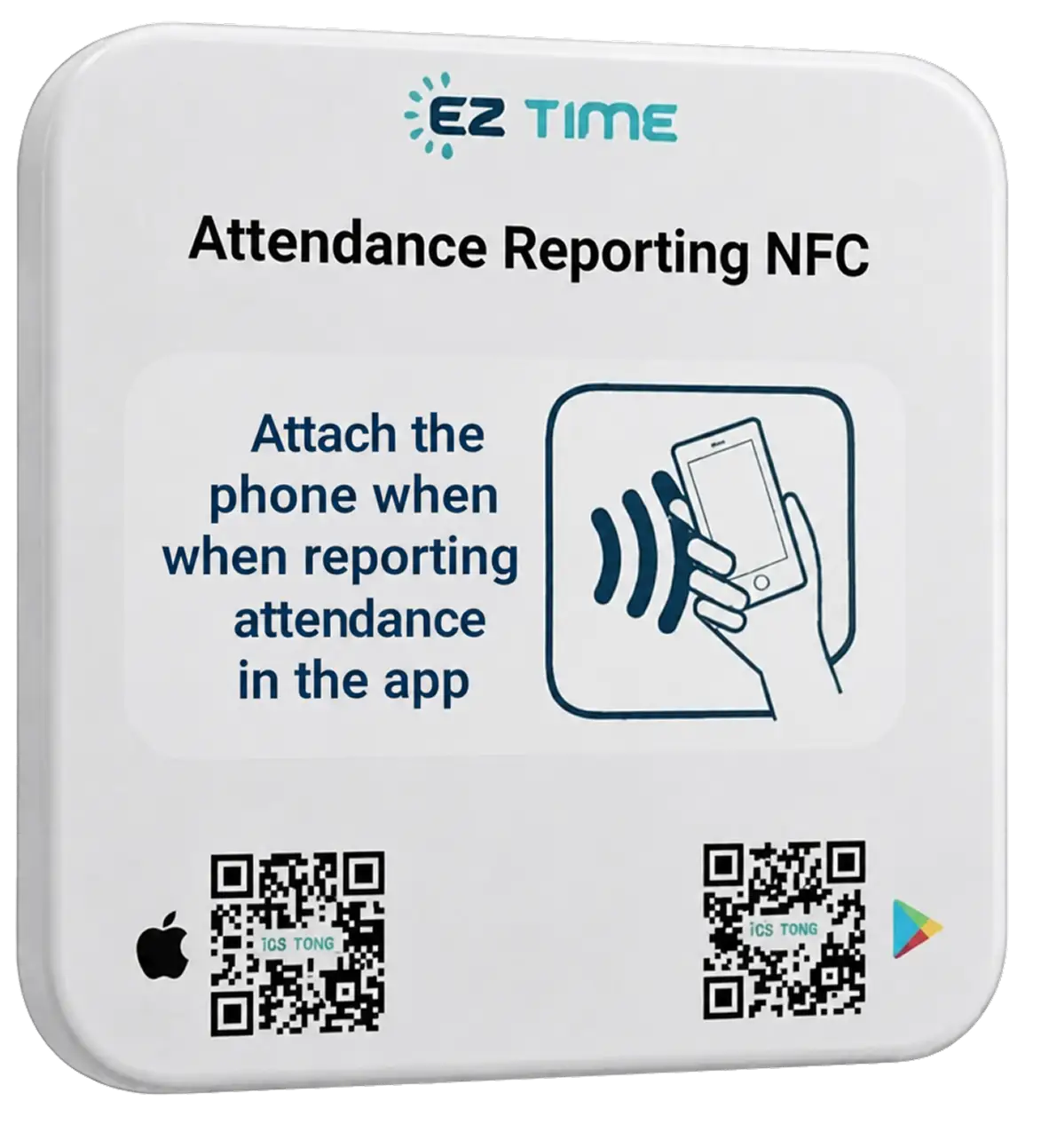
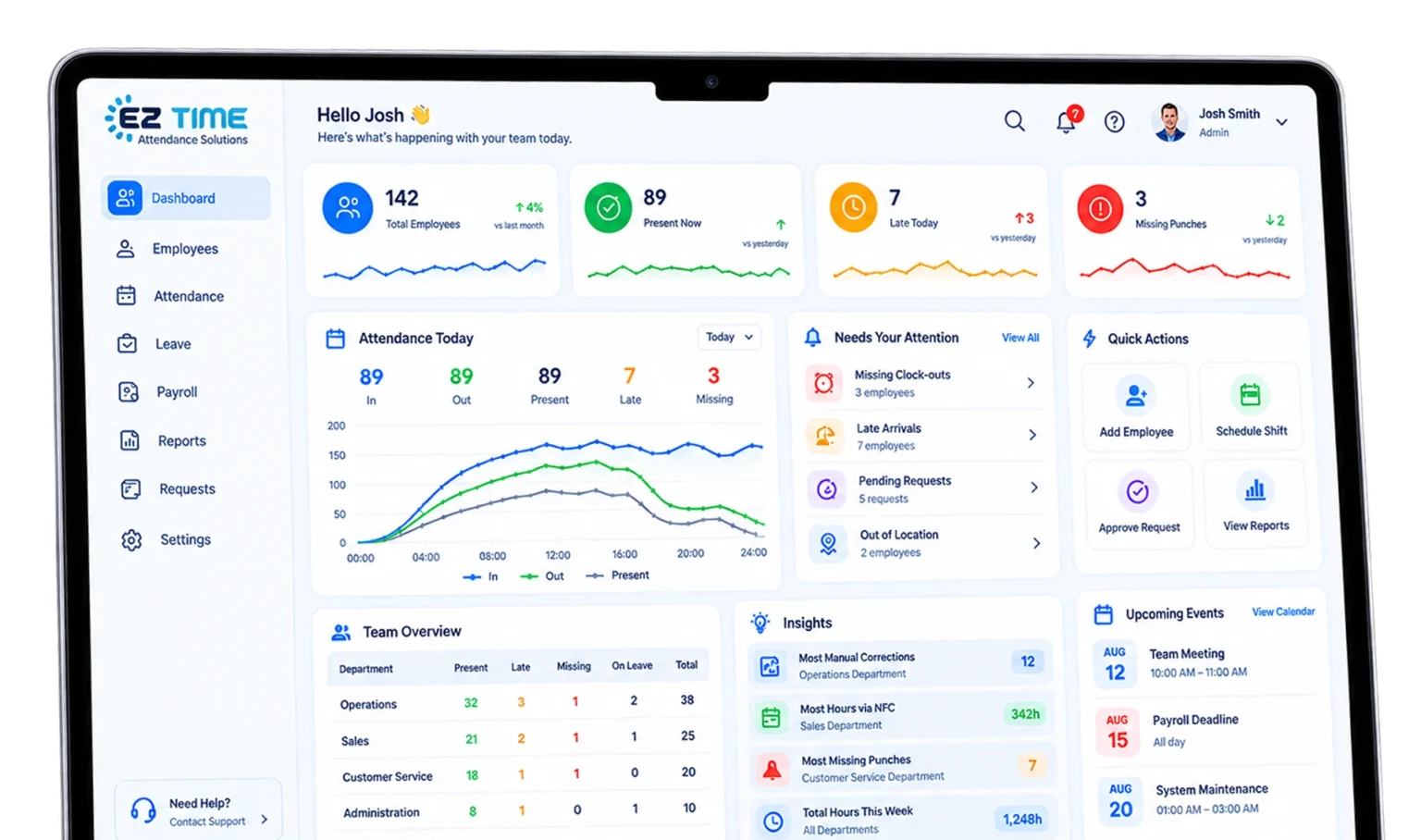
Stick an EZTime NFC tag on the trailer, gate, or site office. Your crew taps it with their phone to clock in and out, so every punch shows they were actually there.
No wiring, power, or technician
No clocking in from home or the truck
Hours by job, ready for payroll
💲 From $4 per employee/month · No contract
★★★★★4.8 on Google Play·Used by 10,000+ businesses
Get your price and a 15-minute demo
Tell us about your crew. We'll send your pricing and show you EZTime set up for your jobs.
“After years on a punch clock, I switched to a cloud system. It’s convenient, efficient, and easy for both employees and managers. The interface is simple, the reports are detailed, and the support team is fast and professional.”
RK
Ravit KwinaGoogle review
Google
★★★★★
“Before EZTime, we used a system that wasn’t in the cloud. Switching was one of the best decisions we’ve made as a company. Zero glitches.”
MN
Michael NovikPayroll Accountant, GenCell
★★★★★
“The sales and support teams are professional and honest, and they always respond right away. It’s easy for my employees and for me. One of the best decisions I’ve made for the business.”
MS
Michal SandoriOwner, Michali Curtains
Reviews from EZTime customers in Israel, translated from Hebrew.
FAQ
Questions before you start
Straight answers before you get started.
Do I need a technician to install it?
No. Peel off the backing and stick the tag on a wall or door. No power, cables, or drilling needed.
Can someone clock in from home?
No. To clock in, the phone has to be held up to the tag, so the worker has to be on site.
What phone do my workers need?
A smartphone with NFC and the EZTime app. For workers without a compatible phone, you can add a time clock or a tablet kiosk to the same system.
What if there's no internet on site?
The app saves the punch and syncs it to the cloud as soon as the connection is back.
Does it work with my payroll?
Export approved hours to Excel or CSV and upload them to your payroll provider. Need a direct integration? Tell us which payroll system you use.
Is there a contract?
No. Plans are month-to-month, you can cancel anytime, and there’s a 14-day trial.
How do I get the tags?
Leave your details, and we’ll walk you through tags and setup during your demo.
Get started
Get your crew tapping in this week
Leave your details and we’ll get back to you with your price and a 15-minute demo.